· Prices checked · 6 min · Android app modernization · Humza Sheikh
Google Play Target API Level 2026: What App Owners Must Do
Google Play's 2026 target API level rule in plain words: who it hides your app from, what an update to API 36 involves, and what the fix costs at a fixed price.
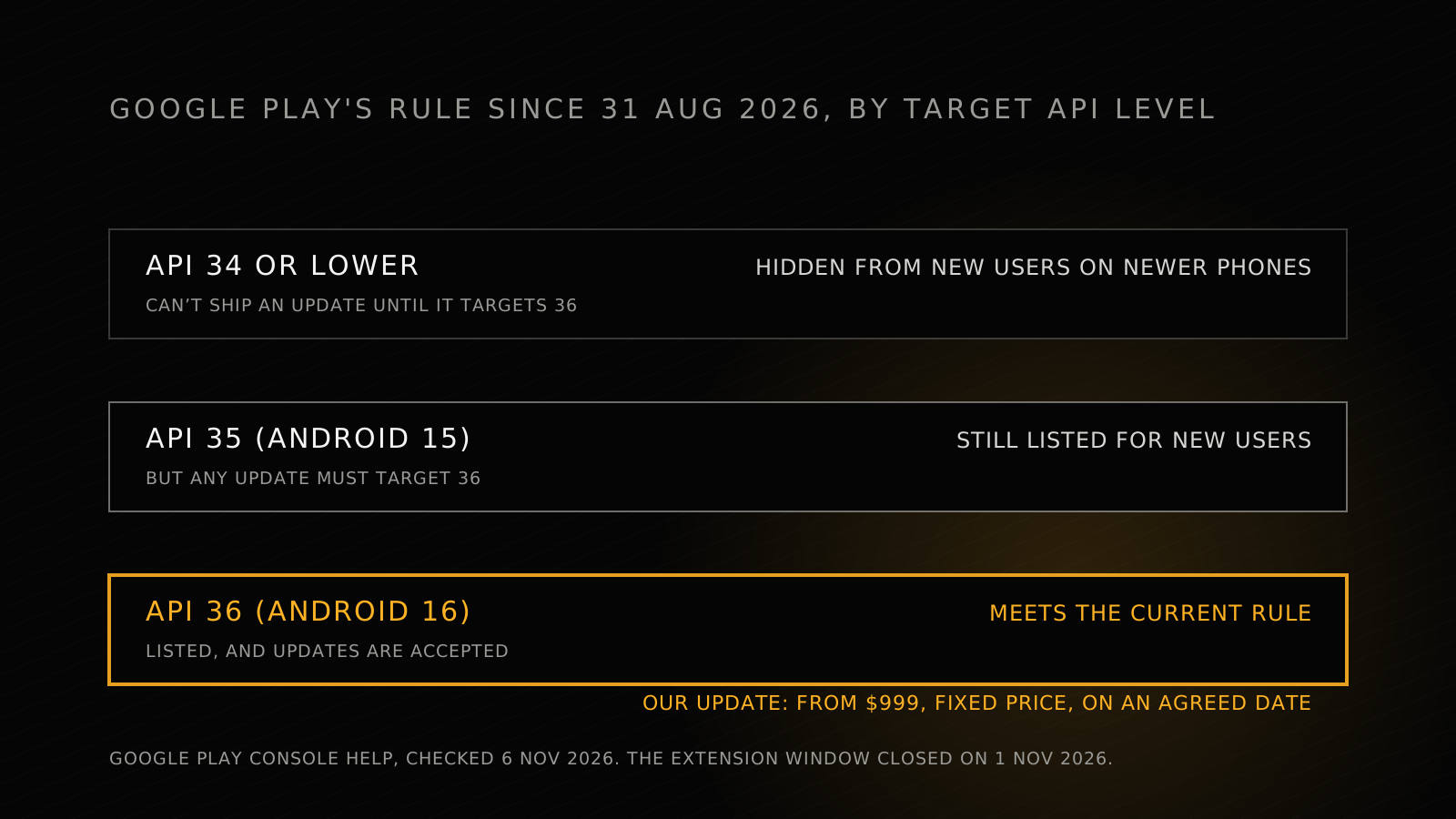
The short answer: since 31 August 2026, Google Play only accepts new apps and app updates that target Android 16 (API level 36) or higher. Existing apps must target at least Android 15 (API level 35) to stay available to new users. An app that targets API 34 or lower is now only available on phones running the same Android version or older, so new users on newer phones can't find it. Google's extension window closed on 1 November 2026.
If that's your app, the fix is an update that targets API 36, tested and taken through Play review. We do it from $999 at a fixed price, on a date agreed with the quote, or we keep working free until it's live.
What is Google Play's target API level requirement in 2026?
Every Android app declares a target API level: the Android version it was built and tested for. Google Play raises the level it requires every year, so an app that nobody updates falls behind on its own.
These are the rules for phone and tablet apps, from Google Play Console Help and Android Developers, checked 6 November 2026:
| Your app targets | Listed for new users? | Can you publish an update? |
|---|---|---|
| Android 16 (API 36) or higher | Yes | Yes |
| Android 15 (API 35) | Yes | Only if the update targets API 36 |
| Android 14 (API 34) or lower | Only on phones running the same Android version or older | Only if the update targets API 36 |
The deadline for both rules was 31 August 2026. Developers who needed more time could request an extension to 1 November 2026, through a form in Play Console. That date has now passed.
Other device types have their own levels. New Wear OS and Android Automotive OS apps and updates must target API 35, and Android TV and Android XR apps API 34. The only exception Google lists is a permanently private app, built for one organisation's own staff and distributed internally.
Who can still find an app that has fallen behind?
Fewer people every month. Google doesn't delete an out-of-date app; it narrows who can see it. People who already installed it can still find it, reinstall it and use it. A new user can only find it if their phone runs an Android version no higher than the one your app targets.
That's the trap. The app keeps working for existing customers, so nobody inside the business notices. New users on newer phones simply never see it in search results. Google's warning goes to Play Console, which is easy to miss if nobody has opened it since the last release.
How do you check your app's target API level?
You can see it without touching the code:
- Play Console. Google tells affected apps through the Notifications in Play Console; that's where this year's extension form was sent.
- The code. Your developer can read `targetSdkVersion` in the app's Gradle file, or `android:targetSdkVersion` in the manifest, as Android Developers describes.
If the number is below 35, your app is already hidden from new users on newer phones. If it's 35, it's still listed, but the next update you publish has to target 36.
What does updating to API 36 involve?
Changing the number is one line. Making the app work once it's changed is the job. Each Android version changes how apps behave once they target it, so an app several versions behind has to absorb every change in between, and its third-party libraries and SDKs have to support the new level too.
These are some of the changes that come with targeting Android 16, from Google's Android 16 behaviour changes:
| Change | What it means for your app |
|---|---|
| Edge-to-edge can't be switched off | Screens draw behind the status and navigation bars, so layouts that assumed otherwise can overlap them |
| Predictive back is on by default | Apps that handle the back button the old way (`onBackPressed`) need to move to the supported back APIs, or opt out for now |
| Orientation and resizing limits are ignored on large screens | On tablets and foldables (600dp and wider), a portrait-only app fills the whole window, which can stretch or break layouts |
| `elegantTextHeight` is ignored | Text in some scripts, including Arabic, Tamil and Thai, can render differently and needs checking |
An app that targets API 34 or older also inherits the Android 15 changes, and so on back. That's why the work starts with an audit: until someone has looked at the code and its libraries, nobody knows whether it's an update or a rebuild.
What does it cost to fix?
With us, from $999 at a fixed price. Here's what it covers, from our Android app modernization service:
| Step | What happens |
|---|---|
| Audit | What blocks the update, and the fix, with a fixed price and a date we commit to |
| Update or rebuild | The app targets the current Android requirement; outdated libraries and SDKs are replaced |
| Testing | On current Android versions and devices |
| Release | Submitted and taken through Google Play review |
The guarantee: live on Google Play and meeting its current Android requirement by the agreed date, or we keep working free until it is. It's a fixed price, paid in milestones.
If the code can be updated, we update it. If it can't, we quote a rebuild of the app as it works today, still at a fixed price before any work starts. Having the source code is the fastest route.
What happens if you do nothing?
The app stays installed for the people who have it, and slowly disappears for everyone else. You also lose the ability to fix anything: any update, even a one-line bug fix, has to target API 36 before Google Play will accept it.
And the rule moves again. Google Play has raised the required level every year, so an app updated once and then left alone will fall behind again. Updating every year keeps each update small: one Android version's changes instead of several. For apps that change often, a developer who joins your team from $3,000 a month keeps it current alongside everything else; we've compared that with hiring in dedicated developers vs in-house hiring.
Common questions
What target API level does Google Play require in 2026?
Since 31 August 2026, new apps and app updates must target Android 16 (API level 36). Existing apps must target Android 15 (API level 35) or higher to stay available to new users.
Will Google Play remove my app if I don't update it?
It doesn't delete it. An app that targets API 34 or lower stays available to people who already installed it, but new users can only find it on phones running the same Android version or older.
Can I still get an extension?
Google offered extensions to 1 November 2026, requested through a form in Play Console. That date has passed. Check your app's Notifications in Play Console for anything Google has sent about it.
How long does the update take?
It depends on how far behind the app is and on its libraries. We audit first, then give you a fixed price and a date we commit to. If we miss it, we keep working free until the app is live.
Do you need the source code?
It's the fastest route. Without it, we quote a rebuild of the app as it works today.
Does this affect my iPhone app?
No. This is a Google Play rule for Android apps. Our service covers Android and Google Play; ask on the call about iOS.
Is your app behind?
Send us the Play Store link. Our Android app modernization service audits it, quotes a fixed price and a date, and takes the update through Play review, or we keep working free. Book a 15-minute call.
Sources
The rules and dates are from Google Play Console Help, Target API level requirements for Google Play apps, and Android Developers, Meet Google Play's target API level requirement. The changes that come with targeting Android 16 are from Android Developers, Behavior changes: Apps targeting Android 16 or higher. All checked 6 November 2026. Our price, steps and guarantee are from our Android app modernization page.